
Wi-Fi, Zigbee, Z-Wave, and Thread: The Wireless Protocols Behind Smart Devices

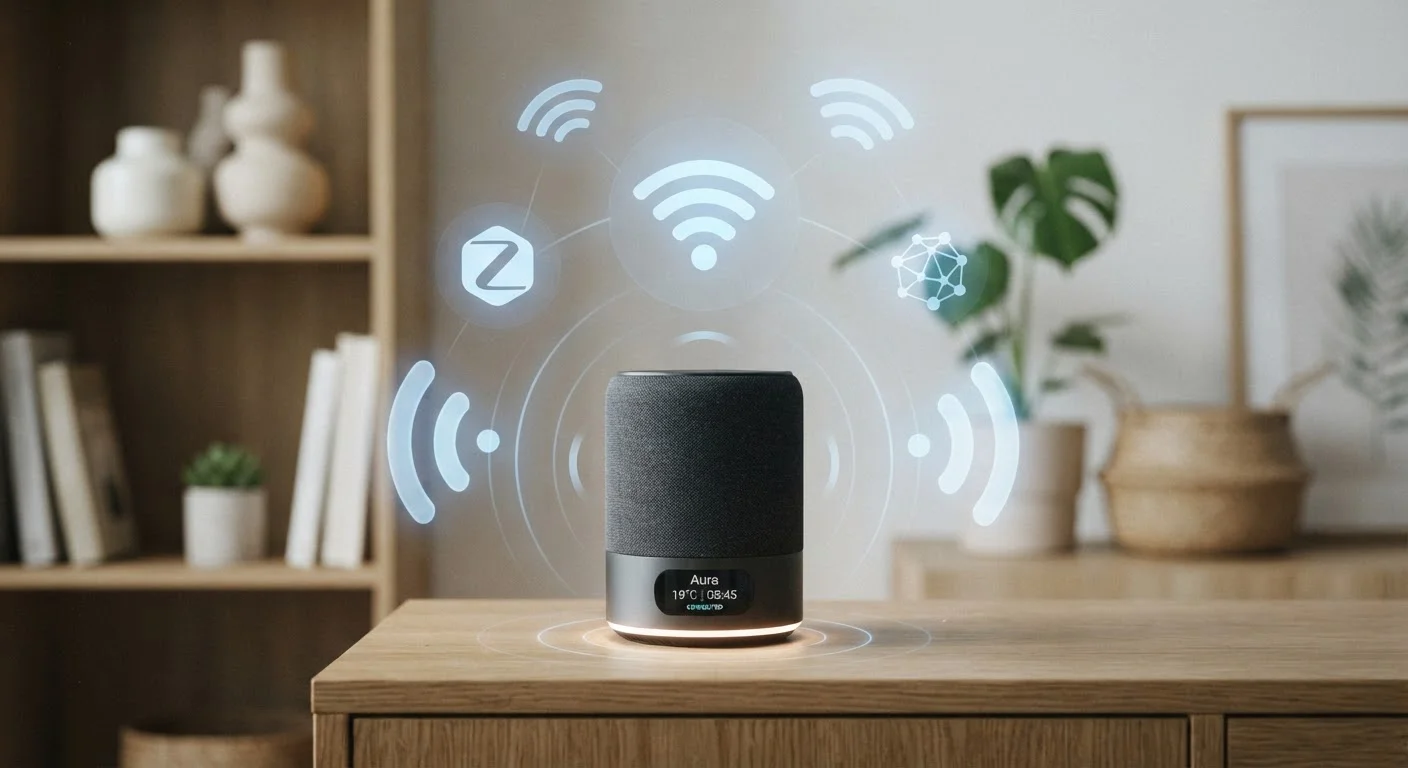
| Protocols covered | Wi-Fi, Zigbee, Z-Wave, Thread |
| Hub required | Zigbee: yes; Z-Wave: yes; Thread: border router (often built-in); Wi-Fi: no |
| Best for battery devices | Zigbee, Z-Wave, Thread (all low-power) |
| Mesh networking | Zigbee, Z-Wave, Thread — not standard Wi-Fi |
| Interference-resistant frequency | Z-Wave (~908 MHz in the US) avoids crowded 2.4 GHz band |
| Cross-brand standard | Matter (uses Thread as radio layer for many devices) |
Why the Protocol Matters Before You Buy
When you pick up a smart bulb or a sensor at the hardware store, the box probably highlights app compatibility and voice assistant support. What it buries in the fine print — if it mentions it at all — is the wireless protocol the device uses to communicate. That choice affects your range, battery life, network congestion, and whether the device will keep working if a company shuts down its servers.
Understanding how smart home devices talk to each other is the foundation for making purchases you won't regret. The four protocols you'll encounter most often are Wi-Fi, Zigbee, Z-Wave, and Thread. They each solve the same basic problem — getting a device to send and receive commands wirelessly — but they do it in meaningfully different ways.
| Protocols covered | Wi-Fi, Zigbee, Z-Wave, Thread |
| Hub required | Zigbee: yes; Z-Wave: yes; Thread: border router (often built-in); Wi-Fi: no |
| Best for battery devices | Zigbee, Z-Wave, Thread (all low-power) |
| Mesh networking | Zigbee, Z-Wave, Thread — not standard Wi-Fi |
| Interference-resistant frequency | Z-Wave (~908 MHz in the US) avoids crowded 2.4 GHz band |
| Cross-brand standard | Matter (uses Thread as radio layer for many devices) |
The Four Protocols Explained
Wi-Fi
Wi-Fi connects devices directly to your home router using the same network your phone and laptop use. Setup is straightforward — no extra hub required — but each Wi-Fi device claims a slot on your network. Homes with many smart devices can experience congestion, and Wi-Fi draws considerably more power than the alternatives, making it a poor fit for battery-operated sensors. It's most practical for high-bandwidth devices like cameras and video doorbells.
Zigbee
Zigbee operates on the 2.4 GHz radio band and uses a mesh network architecture, meaning devices relay signals to one another rather than all connecting back to a single point. This extends range and makes the network more resilient — if one device goes offline, signals can route around it. Zigbee devices are typically low-power and well-suited to sensors, smart bulbs, and locks. The trade-off: Zigbee requires a compatible hub or coordinator to bridge devices to your home network.
Z-Wave
Z-Wave operates on a lower frequency (around 908 MHz in the US), which reduces interference from Wi-Fi and microwave ovens that crowd the 2.4 GHz band. Like Zigbee, it uses mesh networking and requires a hub. Z-Wave is tightly licensed, which means devices from different manufacturers are designed to interoperate reliably — a meaningful advantage when mixing brands. The ecosystem is somewhat smaller than Zigbee's, but the interoperability record is strong.
Thread
Thread is the newest of the four. It also uses mesh networking on the 2.4 GHz band, but it's built on standard internet protocols, meaning devices can communicate directly over IP without a proprietary cloud server as intermediary. Thread is the radio layer that Matter — the cross-brand smart home standard — runs on for many devices. It requires a Thread border router (often built into a smart speaker or hub) rather than a dedicated proprietary hub. How your connected devices handle data is especially relevant here, since Thread's local-first design can reduce reliance on manufacturer cloud servers.
Wireless protocol
A set of rules governing how devices communicate wirelessly — defining the radio frequency used, how data is packaged, and how devices identify each other.
Mesh network
A network topology where devices relay signals to one another rather than all connecting to a single central point. This extends range and improves reliability.
Hub (coordinator)
A dedicated device that translates signals between a Zigbee or Z-Wave mesh network and your home's internet router, enabling app and cloud control.
Thread border router
A device that bridges a Thread mesh network to your home IP network. It's often built into smart speakers or hubs rather than sold as a standalone unit.
Matter
An industry standard for smart home interoperability, developed by major tech companies to allow devices from different brands to work together reliably. Thread is the radio layer Matter commonly uses.
2.4 GHz band
A radio frequency range used by Wi-Fi, Zigbee, and Thread. It offers broad range but is shared by many household devices, which can cause interference.
Practical Implications for Your Home
Choosing a protocol isn't just a technical exercise — it shapes the daily experience of living with smart devices. A few considerations worth keeping in mind:
- Hub vs. hub-free: Wi-Fi and Thread (via a border router built into existing hardware) require no dedicated proprietary hub. Zigbee and Z-Wave do. If you already own a compatible hub, adding either protocol is straightforward; if you don't, factor that into the cost.
- Battery life: If a device runs on batteries — a door sensor, a motion detector, a thermostat — Wi-Fi will drain them much faster than Zigbee, Z-Wave, or Thread. For anything battery-powered, the lower-power options are worth prioritizing.
- Network scale: Mesh protocols (Zigbee, Z-Wave, Thread) generally perform better as you add more devices, because each new node can strengthen the network. Wi-Fi smart devices can strain a router as the count grows.
- Ecosystem lock-in: Proprietary Wi-Fi devices sometimes stop working if the manufacturer discontinues support. Zigbee and Z-Wave hubs give you more control over local operation. Thread with Matter is designed explicitly to reduce this risk long-term.
Smart plugs, bulbs, and switches are common starting points, and they span all four protocols — checking the protocol label before buying helps you build a more coherent system. For homes with dead zones or spotty coverage, router placement and coverage can affect Wi-Fi-based devices in ways the other protocols are less sensitive to.
4×+
Typical power draw advantage of Zigbee/Z-Wave over Wi-Fi for sensors
Low-power mesh protocols can use significantly less energy than Wi-Fi for small, intermittent data transmissions — a key consideration for battery-operated devices.
~232
Maximum devices on a single Z-Wave network
Z-Wave's specification caps a single network at 232 nodes — more than sufficient for most homes, but a consideration for very large installations.