

Key Takeaways
- Smart home devices routinely collect usage patterns, voice snippets, location data, and device behavior.
- Much of this data is sent to manufacturer servers and can be shared with third parties.
- Reviewing app permissions, disabling unused features, and using a separate network reduces exposure significantly.
- Reading a device's privacy policy before setup reveals what data is collected and how long it's retained.
- Local-control devices process data on your home network rather than in the cloud, offering a meaningful privacy alternative.
What Smart Devices Are Actually Recording
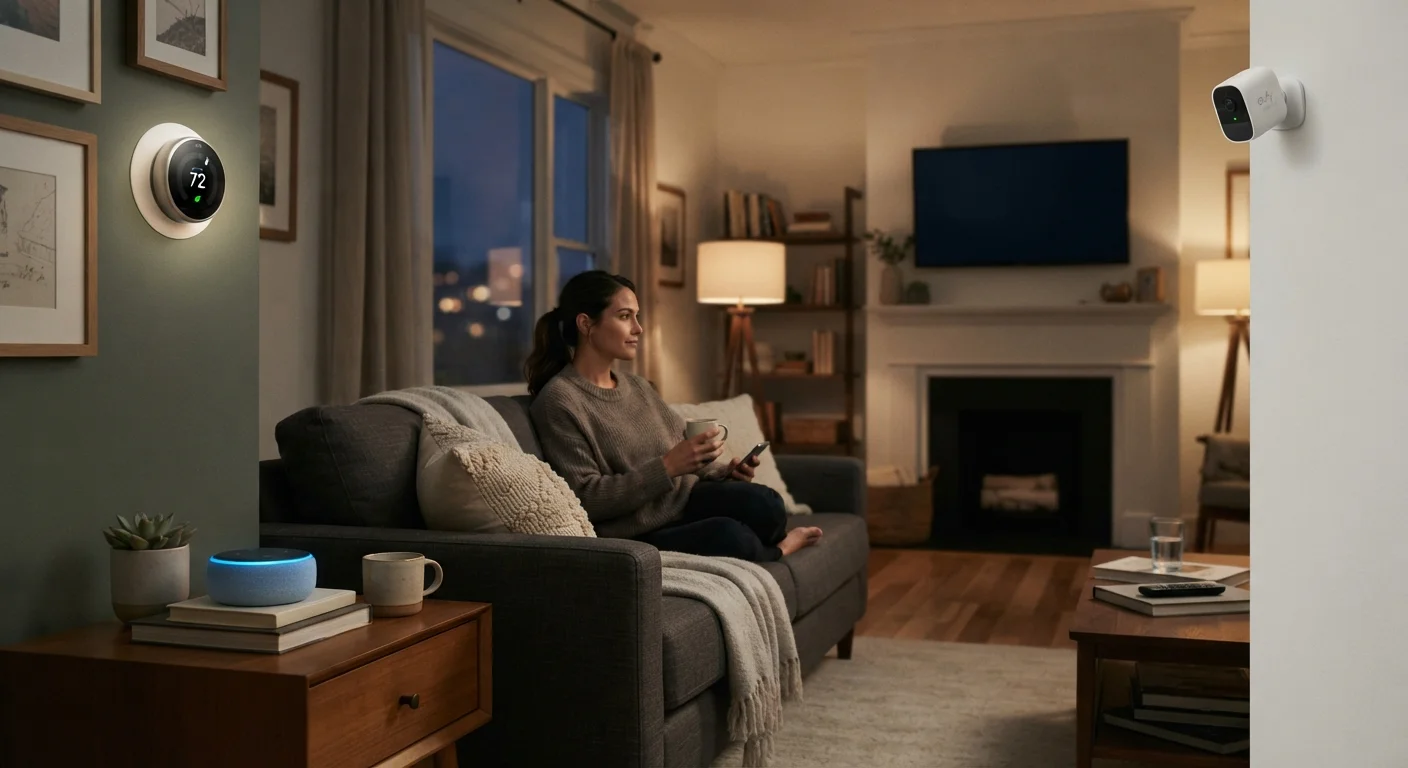
If you've set up a voice assistant, smart thermostat, or security camera, you've already invited a small data-collection operation into your home. That's not an exaggeration — it's just how most connected devices are designed. Understanding how smart home devices work is the first step to understanding what they're capturing.
Here's what different device categories typically collect:
- Voice assistants — Audio clips triggered by wake words (and sometimes audio captured slightly before), plus logs of every command you issue.
- Smart thermostats — When you're home, your daily schedule, temperature preferences, and sometimes location data from your phone.
- Security cameras — Video and audio footage, motion event logs, and potentially facial recognition data depending on the platform.
- Smart TVs — Viewing history, app usage, and sometimes Automatic Content Recognition (ACR) data, which identifies what's on screen even from cable or antenna signals. See our overview of smart TV trade-offs for more on this.
- Smart plugs and lights — Usage schedules and on/off patterns, which effectively map your daily routine.
Most of this data travels to the manufacturer's cloud servers. From there, it may be used to improve the product, serve targeted advertising, or shared with affiliated companies — details that vary by brand and are spelled out (often in dense legalese) in the privacy policy.
Best Practices for Limiting Data Collection
You don't need to unplug everything to protect your privacy. The practices below let you keep the convenience while meaningfully reducing what gets collected and shared.
Read the privacy policy before setting up any new device.
Privacy policies disclose what data is collected, how long it's stored, and whether it's sold or shared. Skipping this step means agreeing to terms you may not be comfortable with once you understand them.
Put smart devices on a dedicated guest or IoT network.
Isolating smart devices from your main network limits what they can access and contains the damage if one device is compromised. Most modern routers support multiple networks at no extra cost.
Disable microphone and camera access when the feature isn't in use.
Many devices request permissions far beyond their core function. Revoking microphone or camera access through the companion app prevents passive capture even when a device isn't actively being used.
Regularly delete stored voice history and usage logs.
Voice assistants keep records of past interactions that can build a detailed profile of your household. Most platforms provide a history dashboard where you can delete recordings individually or in bulk.
Review and restrict app permissions on the smartphone apps that control your devices.
Companion apps often request access to your location, contacts, or microphone in addition to what the device itself collects. Each extra permission expands your data footprint. See our guide on what app permissions mean for a full breakdown.
Factory reset and deregister devices before reselling or discarding them.
A device that isn't properly wiped retains your account credentials, usage history, and network configuration. The next owner — or anyone who finds a discarded device — could access that information.
Quick Steps You Can Take Right Now
You don't need to overhaul your entire setup at once. Start with a few targeted actions that deliver real impact with minimal effort.
For a deeper look at what individual permission toggles actually do, our guide on device privacy settings explains each option in plain language. And if you want to understand the terminology you'll encounter in privacy policies, digital privacy terms explained is a useful reference.
The Cloud vs. Local Control Trade-Off
Most smart devices default to cloud control — meaning your commands and data travel to a remote server before anything happens in your home. That server dependency introduces privacy considerations: the company can see your usage, and if the company is breached or shuts down, your data is at risk.
Local control is an alternative where the device processes commands on your home network without sending data to external servers. Not every device supports it, but for privacy-conscious users it's worth seeking out. Our article on local control vs cloud control covers the reliability and privacy trade-offs in detail.
What 'Local Control' Actually Means in Practice
A local-control device processes your commands on a hub or server inside your home rather than sending them to an external cloud. This means your data doesn't leave your network during normal operation. However, local-control devices may still require a cloud connection for initial setup, firmware updates, or remote access — so 'local control' reduces cloud dependency, but rarely eliminates it entirely.
Before adding any new device to your home, it's worth checking its data practices upfront. Our pre-purchase smart device checklist includes privacy as one of the key things to verify before you buy.