

Key Takeaways
- Smart TVs combine a display and a streaming computer into one device, eliminating separate boxes.
- Built-in apps, voice control, and smart home integration are the main practical benefits.
- Data collection, software update limits, and ad-supported interfaces are real trade-offs to weigh.
- Adjusting privacy settings after setup can meaningfully reduce how much data your TV gathers.
Streams content without extra hardware
Built-in apps eliminate the need for a separate streaming stick or box, reducing cables, remotes, and potential points of failure.
Simpler single-remote setup
Consolidating the TV and streaming into one device means one remote and one input — a meaningful usability improvement for mixed-technical households.
Voice control and accessibility features
Most smart TV platforms support voice commands natively or through a paired smart speaker, making navigation easier for users with limited dexterity.
Smart home integration
Many models can act as a hub or display for other smart home devices — showing a doorbell camera feed or syncing with smart lighting — without adding separate hardware.
Regular software and app updates
During the manufacturer's support window, the TV's operating system and apps receive updates that add features and address security issues automatically.
Data collection through ACR is on by default
Automatic Content Recognition tracks viewing habits across all inputs and shares that data with advertisers unless the user proactively turns it off in settings.
Software support has a finite lifespan
Manufacturers typically support a smart TV's operating system for a limited number of years; after that, streaming apps may stop functioning as services update their requirements.
Home screen ads and promoted content
Many smart TV interfaces display sponsored tiles and advertising banners on the home screen regardless of subscriptions, as manufacturers use the platform to generate advertising revenue.
Wi-Fi dependency creates a single point of failure
If your home internet connection goes down, most smart TV functionality — including all streaming apps — becomes unavailable, unlike a traditional TV with cable or antenna.
Interface complexity can frustrate non-technical users
Layered menus, multiple input sources, and software updates can confuse users who simply want to turn on the TV and watch — the added capability comes with added complexity.
Our Verdict
Smart TVs deliver genuine convenience for households that want streaming and smart home connectivity without extra hardware. The trade-offs — data collection, finite software support, and a more complex interface — are manageable with a few deliberate settings adjustments. They are not a perfect fit for everyone, but for most households they represent a reasonable upgrade over a traditional display.
Households that primarily stream content and want a simpler entertainment setup without managing multiple external devices.
What a Smart TV Actually Is
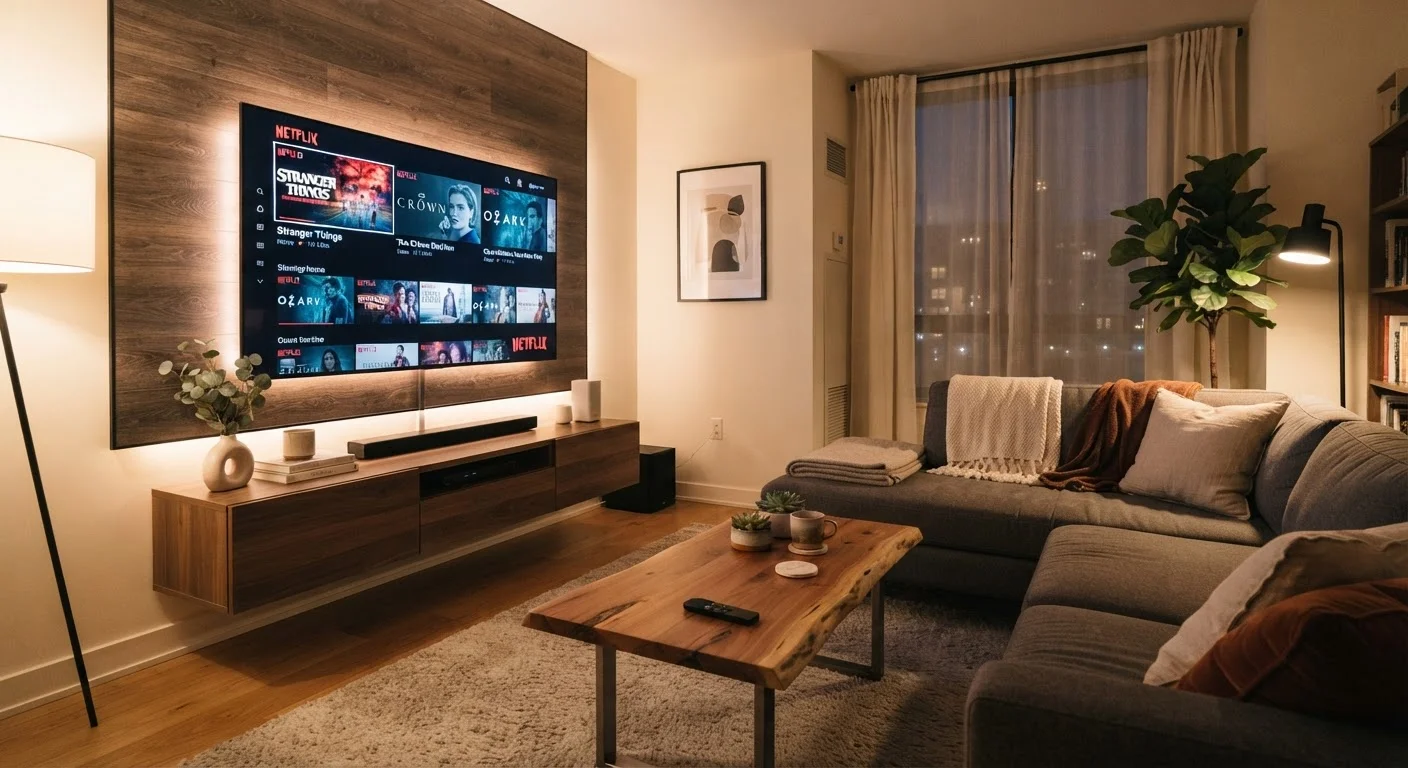
A smart TV is a television with built-in internet connectivity and a lightweight operating system — think of it as a large tablet screen optimized for video. Instead of relying on a separate streaming stick or set-top box, it runs apps like Netflix, YouTube, or Hulu directly on the display. Most also support voice assistants and can interact with other connected devices in your home.
Smart TVs have become effectively standard. It is increasingly difficult to find a mid-size or larger television that isn't a smart TV. That means many people own one without having actively chosen the features — which makes understanding both sides of the package more useful than ever. For a broader look at how connected devices fit together, see our plain-language explainer on smart home technology.
The Advantages Worth Appreciating
For everyday use, smart TVs offer genuine quality-of-life improvements that go beyond novelty.
Streams content without extra hardware
Built-in apps eliminate the need for a separate streaming stick or box, reducing cables, remotes, and potential points of failure.
Simpler single-remote setup
Consolidating the TV and streaming into one device means one remote and one input — a meaningful usability improvement for mixed-technical households.
Voice control and accessibility features
Most smart TV platforms support voice commands natively or through a paired smart speaker, making navigation easier for users with limited dexterity.
Smart home integration
Many models can act as a hub or display for other smart home devices — showing a doorbell camera feed or syncing with smart lighting — without adding separate hardware.
Regular software and app updates
During the manufacturer's support window, the TV's operating system and apps receive updates that add features and address security issues automatically.
The consolidation of hardware is the most straightforward win. A single remote, a single input, and a single device to update replaces the tangle of a TV, a streaming stick, a soundbar remote, and a cable box. That simplicity matters especially for households where not everyone is comfortable juggling multiple remotes or input sources.
Voice control — whether through a built-in microphone or a paired smart speaker — reduces friction further. Asking your TV to play a specific show or raise the volume is more accessible for older adults or anyone with limited mobility than navigating layered menus.
The Trade-Offs That Often Go Unmentioned
The same connectivity that enables streaming apps also enables your TV to collect data about you — and that is the detail most people miss at setup.
Data collection through ACR is on by default
Automatic Content Recognition tracks viewing habits across all inputs and shares that data with advertisers unless the user proactively turns it off in settings.
Software support has a finite lifespan
Manufacturers typically support a smart TV's operating system for a limited number of years; after that, streaming apps may stop functioning as services update their requirements.
Home screen ads and promoted content
Many smart TV interfaces display sponsored tiles and advertising banners on the home screen regardless of subscriptions, as manufacturers use the platform to generate advertising revenue.
Wi-Fi dependency creates a single point of failure
If your home internet connection goes down, most smart TV functionality — including all streaming apps — becomes unavailable, unlike a traditional TV with cable or antenna.
Interface complexity can frustrate non-technical users
Layered menus, multiple input sources, and software updates can confuse users who simply want to turn on the TV and watch — the added capability comes with added complexity.
Automatic Content Recognition (ACR) is a technology built into most smart TV platforms. It periodically captures a sample of whatever is on screen — whether it came from a streaming app, a cable box, or a gaming console — and matches it against a database to identify what you are watching. This data is used primarily for targeted advertising. ACR is typically turned on by default and buried in settings menus.
For a detailed walkthrough of what connected devices collect and how to limit exposure, our guide on smart home privacy and data collection covers the topic specifically.
~80%
Share of US households with at least one smart TV
According to Leichtman Research Group estimates, the large majority of US television households have at least one internet-connected TV set.
3–5 years
Typical software support window for smart TVs
Industry observers note that most manufacturers actively update smart TV operating systems for roughly three to five years from a model's release date, after which updates become infrequent or stop.
Software longevity is a second concern that surfaces later in ownership. Smart TV operating systems — like any software — receive updates for a limited period. After a manufacturer stops issuing updates, the TV remains functional as a display, but apps may gradually stop working as streaming services update their own software requirements. How long that window lasts varies by manufacturer and model line.
Finally, the interface itself can become a source of friction. Many smart TV home screens now feature promoted content rows, sponsored tiles, and ad banners regardless of whether you subscribe to those services. This is how manufacturers subsidize lower hardware prices — the TV becomes, in part, an advertising platform. If that bothers you, it is worth researching a specific platform's interface before purchasing.
Practical Steps to Get More and Give Up Less
Owning a smart TV does not mean accepting every default setting. A few targeted adjustments made shortly after setup substantially change the experience.
- Disable ACR during initial setup — most platforms offer this as an opt-out during the setup wizard, though the wording varies (look for "Viewing Data," "Live Plus," or "Smart Interactivity" depending on the brand).
- Review app permissions — individual streaming apps may also request location or usage data. Check each app's settings separately from the TV's system settings.
- Connect via a router, not directly to the internet — use your home Wi-Fi with a router that lets you monitor or restrict device-level traffic if you want more control over what the TV communicates outward.
- Check the software support window — look up how long the manufacturer commits to OS updates for the specific model you own or are considering.
If you are adding a smart TV to a home that already has other connected devices, our pre-purchase checklist for smart devices is worth reviewing to confirm compatibility and network readiness.
Using an External Streaming Device Instead
If your smart TV's built-in platform feels outdated or unsupported, plugging in a separate streaming device — connected to an HDMI port — effectively replaces its software interface while keeping the display. External streaming devices typically have their own, often longer, software support cycles and can be updated or replaced independently of the TV itself. This is a practical middle path for owners of older smart TVs whose built-in apps have started to degrade.