

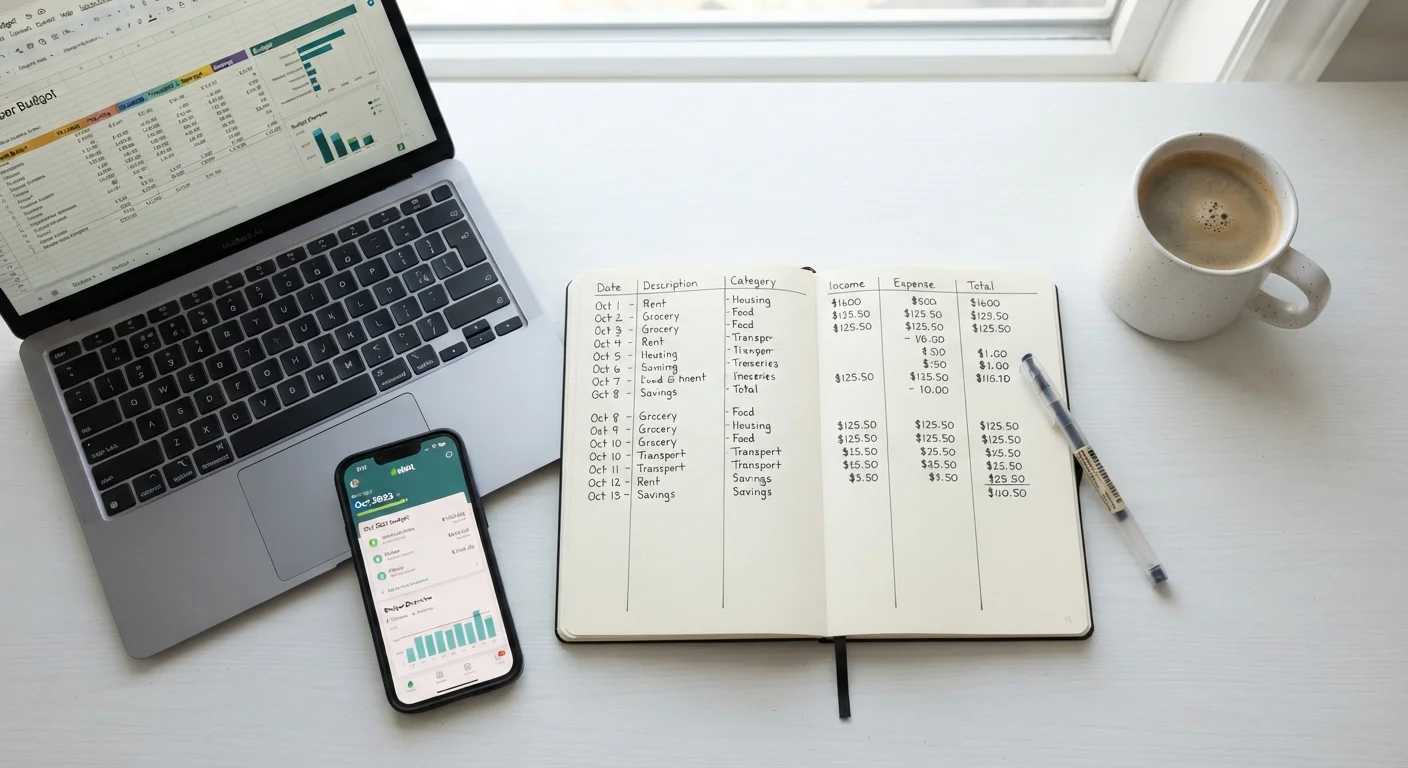
Key Takeaways
- No single budgeting tool is universally superior — consistency matters more than the format you choose.
- Paper budgeting builds awareness through deliberate manual effort, but scales poorly with complexity.
- Spreadsheets offer flexibility and depth, but require some setup time and basic formula knowledge.
- Budgeting apps automate data entry and provide real-time insights, though privacy trade-offs exist.
- Switching methods is fine — what matters is returning to the habit, not perfecting the tool.
Our Verdict
Each budgeting format has legitimate strengths and genuine limitations. Paper works best for tactile learners building foundational awareness; spreadsheets suit detail-oriented people who want full control; apps fit those who prioritize convenience and real-time feedback. The most effective budgeting method is whichever one you will open and update regularly.
| Best for | Recommended |
|---|---|
| Complete beginners wanting to build financial awareness from scratch | Paper budgeting |
| Those who want full customization without paying for software | Spreadsheet budgeting |
| Busy individuals who need automated transaction tracking | Budgeting app |
| Anyone who has tried one method and abandoned it | Switch formats and restart — habit matters most |
Why Your Tool Choice Matters More Than You Think
Most people who abandon a budget don't fail because the math was wrong — they fail because the system felt like a chore. Research consistently shows that friction is the enemy of financial habits. A tool that requires too many steps, too much manual entry, or too steep a learning curve will be quietly dropped within weeks.
Before comparing the three main formats, it helps to ask one honest question: how do you actually interact with your money today? Do you prefer writing things down by hand? Do you live in spreadsheets for work? Do you reach for your phone first? Your answer points directly toward the method most likely to stick.
If you're still figuring out how budgeting works at a foundational level, Your First Budget in Seven Steps is a plain-language starting point before you commit to any tool.
Paper Budgeting: Simple, Slow, and Surprisingly Effective
Writing a budget by hand forces you to slow down and consciously assign a number to every category. That deliberate effort is a feature, not a limitation. Studies in cognitive science suggest that the physical act of handwriting strengthens memory encoding — meaning you're more likely to remember your spending limits when you've written them yourself.
Where paper works well: monthly cash-flow planning, zero-based budgeting on a single income, or as a first step for someone who has never budgeted before. A simple notebook or printed template is all you need.
Where paper falls short: tracking multiple accounts, irregular income, or anything that requires recalculating totals frequently. Errors don't self-correct, and there's no way to search past months quickly. For a cash-based variation of this tactile approach, see Envelope Budgeting in a Digital World.
Start With One Month Before Committing
Rather than redesigning your entire budgeting approach, try a new format for a single month. One month is enough to reveal whether a tool fits your habits without requiring a major commitment. If it feels natural by week three, continue. If not, switching is not failure — it's useful data about how you work best.
Spreadsheet Budgeting: Flexible, Powerful, and Yours to Control
A spreadsheet — whether in Google Sheets, Excel, or a similar tool — sits in the middle of the effort-vs-automation spectrum. You build it yourself, which means it reflects your actual financial life rather than a generic template. Formulas handle the arithmetic, and you can design categories, charts, and tracking tabs exactly as you need them.
Where spreadsheets work well: households with variable income, people tracking multiple savings goals simultaneously, or anyone who enjoys seeing their data visualized. Free templates are widely available and require no financial-software subscription.
Where spreadsheets fall short: they rely entirely on manual data entry (unless you use bank export files), and a single formula error can cascade silently. They also live on a device, not in your pocket, which can delay real-time updates.
Spreadsheet budgets pair especially well with a monthly review habit. Monthly Budget Review: A Practical Checklist walks through exactly what to check each month to keep your numbers accurate.
| Paper | Spreadsheet | App | |
|---|---|---|---|
| Setup effort | Minimal — pen and paper | Moderate — template or build your own | Low — account connection required |
| Customization | Fully manual, fully flexible | High — formulas and layout are yours | Limited to app's category system |
| Real-time tracking | Only if updated by hand | Only if updated by hand | Automatic with bank sync |
| Privacy risk | None — offline only | None — stays on your device | Moderate — data shared with provider |
| Cost | Near zero | Free or low-cost | Free to subscription-based |
| Best for | Visual learners, beginners | Detail-oriented, DIY users | Busy users, multiple accounts |
Budgeting Apps: Automated, Convenient, and Worth Understanding
Budgeting apps can connect directly to bank and credit card accounts, categorize transactions automatically, and send alerts when spending approaches a limit. For users who find manual entry the main barrier to budgeting, automation removes that friction entirely.
Where apps work well: people with busy schedules, multiple accounts, or income from several sources. Real-time dashboards make it easy to check your position mid-month without logging into anything manually.
Where apps fall short: connecting a bank account to a third-party service involves sharing login credentials or granting data access, which carries privacy considerations worth researching before signing up. Some apps also charge subscription fees, and free tiers may limit features. Automatic categorization isn't always accurate and usually requires some manual correction.
Whichever format you choose, the underlying habits are what separate people who stay on budget from those who don't. evidence-informed budgeting habits make any tool more effective over time.
Understand App Data Practices Before Connecting
Budgeting apps that sync with bank accounts typically access read-only transaction data, but their data-sharing, storage, and monetization practices vary widely. Before connecting any financial account, review the app's privacy policy and terms of service. If you're uncertain, a spreadsheet or paper budget delivers the same financial benefit with zero third-party data exposure.
This article is for general informational purposes only and does not constitute personalized financial advice. For guidance specific to your situation, consult a qualified financial professional.