

Key Takeaways
- Private browsing clears your local history but does not hide your activity from your internet provider or websites.
- A VPN encrypts your traffic and masks your IP address from outside observers on the network.
- Neither tool alone provides complete anonymity online.
- The two tools solve different problems and can be used together.
- Choosing the right tool depends on what — and from whom — you're trying to protect your data.
Option A
Private Browsing (Incognito Mode)
The local clean-slate tool — hides your activity from your own device.
Best for: Keeping browsing history, cookies, and form entries off your personal device.
Option B
VPN (Virtual Private Network)
The network-level shield — masks your activity from outside observers.
Best for: Hiding your internet traffic from your ISP, network operators, and websites tracking your IP address.
If you share a device and want to keep browsing sessions off that device
Private Browsing (Incognito Mode)
Incognito mode prevents your history, cookies, and form data from being stored locally, so other users of the same device won't see what you accessed.
If you're on public Wi-Fi and want to protect your data in transit
VPN (Virtual Private Network)
A VPN encrypts your connection, making it much harder for others on the same network to intercept your traffic.
If you want to prevent your internet provider from seeing which sites you visit
VPN (Virtual Private Network)
A VPN tunnels your traffic through an encrypted connection, so your ISP sees only that you're connected to a VPN server, not the sites you visit.
If you want to research a gift or surprise without it appearing in shared browsing history
Private Browsing (Incognito Mode)
This is exactly the local-device problem incognito mode was designed for — quick, low-friction, and no setup required.
If you want both local discretion and network-level protection
Both tools together
Using a VPN inside a private browsing window addresses two separate layers: what your network sees and what your device stores.
What Each Tool Actually Does
Both private browsing and VPNs carry the word "privacy," which makes it easy to assume they work the same way. They don't. Each operates at a completely different layer of your digital life.
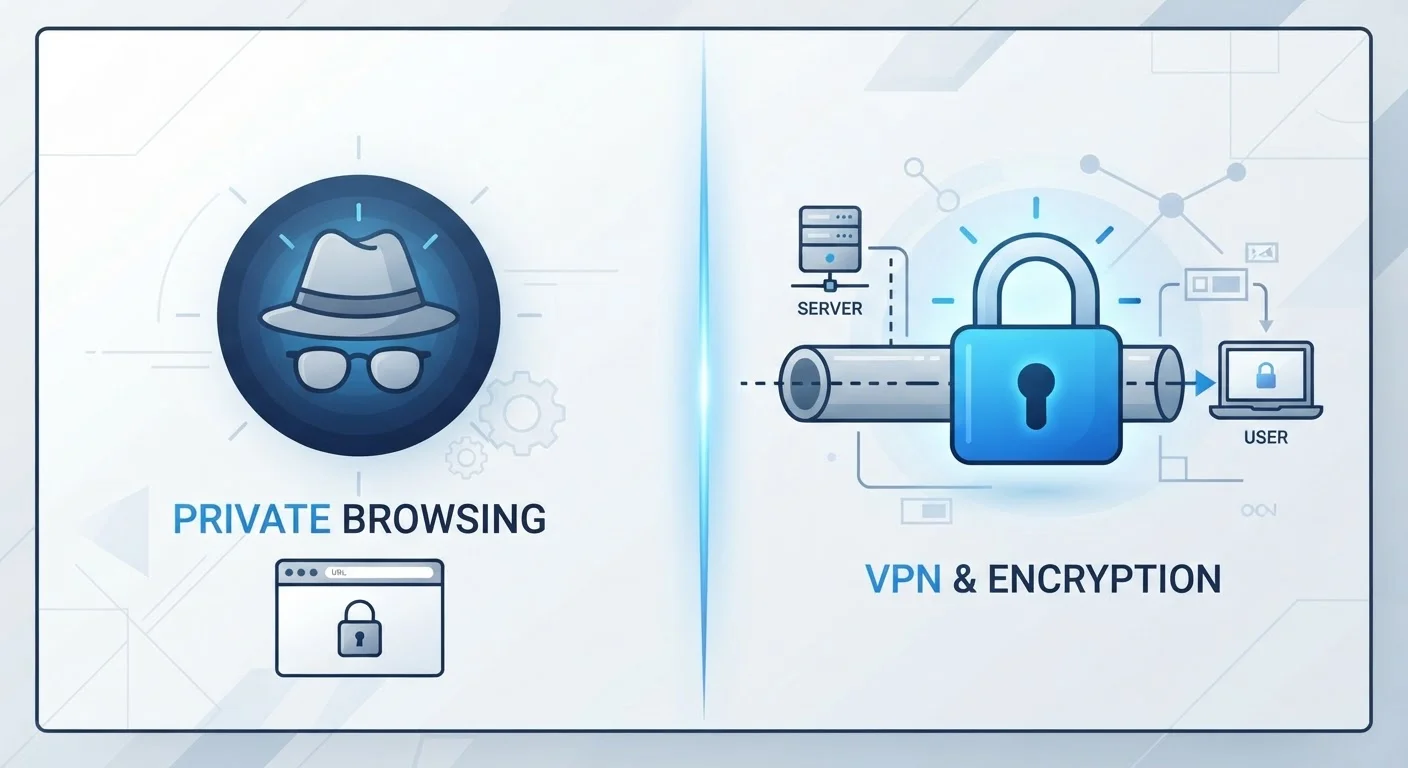
Private browsing (called Incognito in Chrome, Private Window in Firefox and Safari) is a browser-level feature. When you open a private window, your browser stops saving your browsing history, cookies, site data, and form entries on your device. Once you close that window, those records disappear from your machine. That's the entire scope of what it does.
A VPN, by contrast, works at the network level. It creates an encrypted tunnel between your device and a VPN server, routing your internet traffic through that server before it reaches any website. To your internet service provider (ISP) and to anyone monitoring the network you're on, your traffic looks like a connection to the VPN server — not to the sites you're actually visiting. Websites see the VPN server's IP address instead of yours.
For a broader foundation on how these concepts fit into online privacy, see our beginner's guide to online privacy.
| Criterion | Private Browsing | VPN |
|---|---|---|
| Where it works | On your local device only | Across the network, in transit |
| Hides activity from your ISP | No | Yes |
| Hides your IP from websites | No | Yes |
| Encrypts your traffic | No | Yes |
| Clears local history after session | Yes | No |
| Requires setup or software | No — built into browser | Yes — app or configuration needed |
| Stops cookie tracking on sites | Partially (clears after session) | No |
| Useful on public Wi-Fi | No | Yes |
What Each One Doesn't Protect
Understanding the limits of each tool is just as important as knowing what it does.
Private browsing does not:
- Hide your activity from your ISP, employer, or school network
- Prevent websites from seeing your IP address
- Stop ad networks from tracking you via device fingerprinting
- Encrypt any of your traffic in transit
If you log into a website while in a private window, that site still knows who you are. Your network operator still sees which domains you connect to. Private browsing is a local eraser — it doesn't make you invisible to the internet.
A VPN does not:
- Delete browsing history from your device
- Prevent websites from tracking you with cookies once you accept them
- Make you fully anonymous — the VPN provider itself can see your traffic unless it has a verified no-logs policy
- Protect you from malware or phishing attacks
It's also worth noting that VPNs vary significantly in quality, logging practices, and jurisdiction. Always review a VPN provider's privacy policy before trusting it with your traffic.
Common misconceptions about incognito mode are widespread — it's worth knowing exactly where that tool's boundary sits.
VPN Providers Can See Your Traffic Too
When you use a VPN, you're shifting trust from your ISP to your VPN provider. A reputable provider with an independently audited no-logs policy minimises this risk, but no VPN makes you completely anonymous. If your threat model requires strong anonymity, research the provider's logging practices and jurisdiction carefully before committing.
When to Use One, the Other, or Both
The practical question is matching the right tool to the problem you're actually trying to solve.
Use private browsing when your concern is local: you don't want a session saved on a shared family computer, you're buying a birthday gift and don't want autocomplete to spoil the surprise, or you're logging into a secondary account without signing out of your primary one.
Use a VPN when your concern is network-level: you're on a café or hotel Wi-Fi network, you want your ISP to have less visibility into your browsing habits, or you're connecting to a work network remotely over an encrypted channel. For more on risks specific to public networks, see public Wi-Fi habits that expose your data.
In some situations — like researching sensitive topics on a public network — using both at once makes sense. Open a VPN connection first, then browse in a private window. The VPN handles what the network sees; private browsing handles what your device stores.
~33%
of global internet users use a VPN monthly
GlobalWebIndex data consistently shows roughly one in three online adults uses a VPN at least monthly, with higher usage on mobile devices.
~79%
of users misunderstand what incognito mode protects
Research published in the journal Proceedings on Privacy Enhancing Technologies found most users significantly overestimate what private browsing mode actually conceals.
For more practical steps to reduce your digital footprint day-to-day, privacy-conscious browsing habits that actually help is a good next read.