

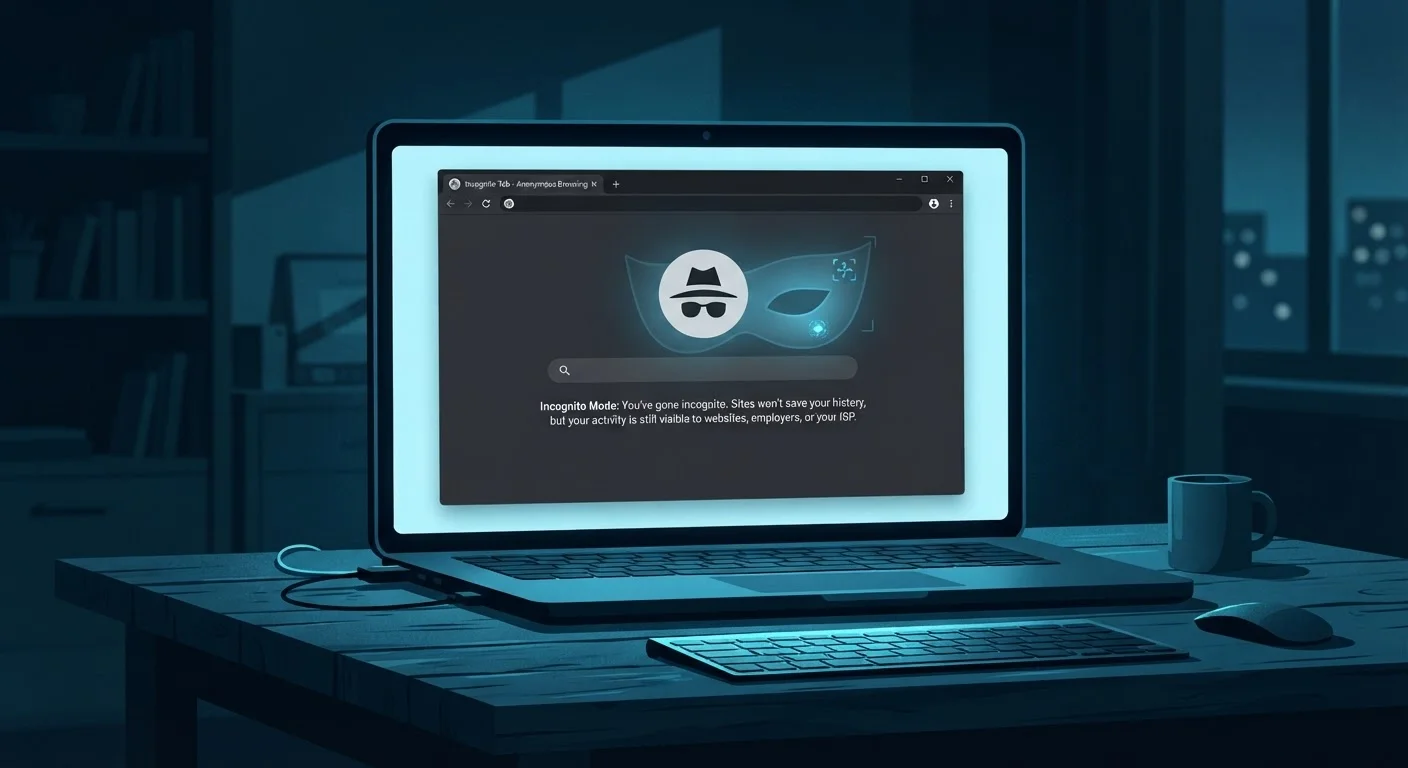
Key Takeaways
- Incognito mode prevents your browser from saving local history, but does not hide your activity from your internet provider.
- Websites, employers, and network administrators can still see what you do in private browsing sessions.
- Your IP address remains visible to every site you visit, even in incognito mode.
- Cookies and trackers can still follow you within a single incognito session.
- For stronger privacy protections, additional tools and habits are needed beyond private browsing.
What Incognito Mode Actually Does
Incognito mode — called Private Browsing in Firefox and Safari, InPrivate in Edge — does one specific thing well: it prevents your browser from writing a record of your session to your device. When you close an incognito window, your browser discards the history, cookies, and form entries from that session. Nothing is saved locally for another person using the same device to find.
That's a genuinely useful feature. It's helpful when booking a surprise trip on a shared family computer, or when you don't want auto-fill suggestions leaking into future sessions. But that narrow, local benefit is frequently overstated into something much bigger — the belief that incognito mode makes you private on the internet itself. It does not. The internet never learned that you opened a special window.
For a grounding in how digital privacy actually works from the network level up, start with the foundational concepts of online privacy.
Five Myths — and the Reality Behind Each
The gap between what incognito mode does and what people believe it does is wide enough that browser makers have faced legal scrutiny over it. Understanding these myths concretely helps you make smarter decisions about when private browsing is the right tool — and when you need something more.
Myth
Using incognito mode makes me anonymous online — websites can't track me.
Fact
Websites can still identify your IP address and use fingerprinting techniques to recognize your device during an incognito session.
When you open an incognito window, your browser stops saving your browsing history, cookies, and form data locally — but it does not cloak your identity online. Every request your browser sends to a website still carries your IP address, which can be used to approximate your location and link sessions over time. Beyond IP addresses, websites use browser fingerprinting — analyzing your screen resolution, installed fonts, time zone, and browser version — to identify visitors without relying on cookies at all. Incognito mode does nothing to disrupt this. For a fuller picture of what data your browser exposes, see what your browser actually knows about you.
Myth
My internet service provider (ISP) can't see what I'm browsing when I use incognito.
Fact
Your ISP sees every DNS lookup and connection your device makes, whether or not incognito mode is active.
Incognito mode is a feature of your browser — it has no effect on the connection between your device and the broader internet. Your internet service provider sits between your device and every website you visit. It sees every domain you connect to and, on unencrypted connections, can see page-level content too. Even with HTTPS encryption protecting the content of pages, your ISP still sees which sites you're visiting. The only tool that masks your traffic from your ISP is a VPN (Virtual Private Network), which creates an encrypted tunnel between your device and a remote server. VPNs and private browsing protect very different things — they are not interchangeable.
Myth
Incognito mode blocks all cookies, so advertisers can't track me.
Fact
Cookies are active during an incognito session — they are simply deleted when you close the window, not blocked while it's open.
This is one of the most widely misunderstood aspects of private browsing. Cookies are created and read normally throughout your incognito session; the difference is that they are wiped when the window closes. This means that within a session, an advertiser can still drop a tracking cookie, read it, and log your behavior across multiple pages. Third-party tracking scripts embedded on websites operate just as freely in incognito as they do in regular browsing. To understand the full scope of what cookies do — and how to actually limit them — read about how cookies track and share your data.
Myth
If I'm signed out of my accounts in incognito, Google and Facebook can't connect my activity to me.
Fact
Platforms use IP addresses, device fingerprints, and cross-site tracking scripts to link your activity even when you're not logged in.
Major platforms operate vast networks of tracking pixels and scripts embedded across millions of websites. Even if you never sign into an account during an incognito session, these scripts report your activity back to their parent companies using your IP address and browser fingerprint as identifiers. If your IP address was previously associated with a logged-in session — even from a regular browser window — that information can be used to probabilistically link your incognito activity to your identity. Being signed out is not the same as being untracked.
Myth
Incognito mode protects me from viruses and malware.
Fact
Incognito mode has no security features related to malware — it only manages local browser data.
Private browsing is a privacy feature, not a security tool. It does not scan downloads, block malicious scripts, or sandbox web content any differently than regular browsing. If you download a file in incognito mode and it contains malware, that malware will execute with the same consequences as any other download. For genuine security, rely on a reputable operating system with automatic updates, your browser's built-in safe browsing features, and safe download habits — not incognito mode.
Workplace and School Networks Are Never Private
If you are connected to a network managed by an employer, school, or institution, the network administrator can log your browsing activity regardless of whether you use incognito mode. IT departments routinely monitor network traffic, and incognito mode offers zero protection against this. Always assume managed networks have visibility into your activity.
What to Use Instead for Real Privacy
If your goal is reducing your digital footprint meaningfully, incognito mode is one small piece of a larger picture. Consider these evidence-backed steps:
- Use a privacy-focused browser or extension: Browsers with built-in tracker blocking and script controls limit what third parties can collect, independent of session mode.
- Switch to a privacy-respecting search engine: Your search queries are among the most revealing data points you generate. Search engines that do not store or associate queries with your identity reduce this exposure.
- Understand when a VPN helps: A VPN hides your IP address and encrypts traffic between your device and the VPN server — protecting you from ISP-level surveillance and network eavesdropping on public Wi-Fi. It does not make you anonymous to websites you log into.
- Manage cookies deliberately: Browser settings that block third-party cookies by default are now available in most major browsers and have a meaningful impact on cross-site tracking.
Building these habits doesn't require technical expertise. Practical privacy habits for everyday browsing walks through each one without jargon.
Incognito Mode Is Not Anonymity
Private browsing only clears local traces — it does not encrypt your traffic, hide your IP address, or prevent tracking by websites and advertisers. Anyone monitoring your network can still see every site you visit. Do not rely on incognito mode to protect sensitive activities like banking on public Wi-Fi or whistleblowing.
~49%
Users who believe incognito hides activity from ISPs
A study published by researchers at institutions including the University of Chicago and Leibniz University Hannover found that roughly half of surveyed users held inaccurate beliefs about what private browsing protects.
70%+
Top websites using third-party tracking scripts
Research from the Web Transparency & Accountability Project found that a large majority of popular websites load third-party trackers that operate independently of whether the user is in private browsing mode.