

Key Takeaways
- Apps routinely request more access than they need to function properly.
- You can deny most permissions without breaking core app features.
- Both iOS and Android let you review and revoke permissions at any time in Settings.
- Location, microphone, and camera are among the most sensitive permissions to scrutinize.
- Unused apps with broad permissions are a common, overlooked privacy risk.
App Permissions
App permissions are the access rights an app requests from your device — such as the ability to read your contacts, use your camera, or track your location. When you install or first open an app, it asks you to grant these permissions so it can perform certain functions. You can usually approve or deny each request individually.
On both Android and iOS, permissions are grouped into categories (e.g., 'Location', 'Microphone', 'Storage'). Sensitive permissions require an explicit user prompt; some lower-risk permissions are granted automatically at install time.
Why Permissions Exist — and Why They Matter
Every app on your phone lives in a kind of sandbox. By default, it can't see your photos, listen through your microphone, or know where you are. Permissions are the doorways — each one you grant opens a specific channel between the app and a part of your device or data.
This system was designed with good intentions: an app should have to ask before reaching into sensitive areas. The problem is that many apps ask for more than they genuinely need, and most people tap "Allow" without a second thought. That habit has real consequences for your privacy, because every permission is a potential data pipeline — to the app developer, to advertising partners, and sometimes to third parties you've never heard of.
Understanding what you're agreeing to is a practical skill, not a technical one. You don't need to be a developer to make better decisions here — you just need to know what each type of access actually means.
Permissions Vary by Operating System Version
The specific permission options available to you — such as 'Allow Once', 'While Using', or granting access to selected photos only — depend on which version of iOS or Android your device runs. Newer versions generally offer finer-grained control. Keeping your operating system updated gives you access to the latest privacy tools your device manufacturer has built in.
The Permissions You'll Encounter Most Often
Not all permissions carry equal risk. Here's a plain-language breakdown of the most common ones:
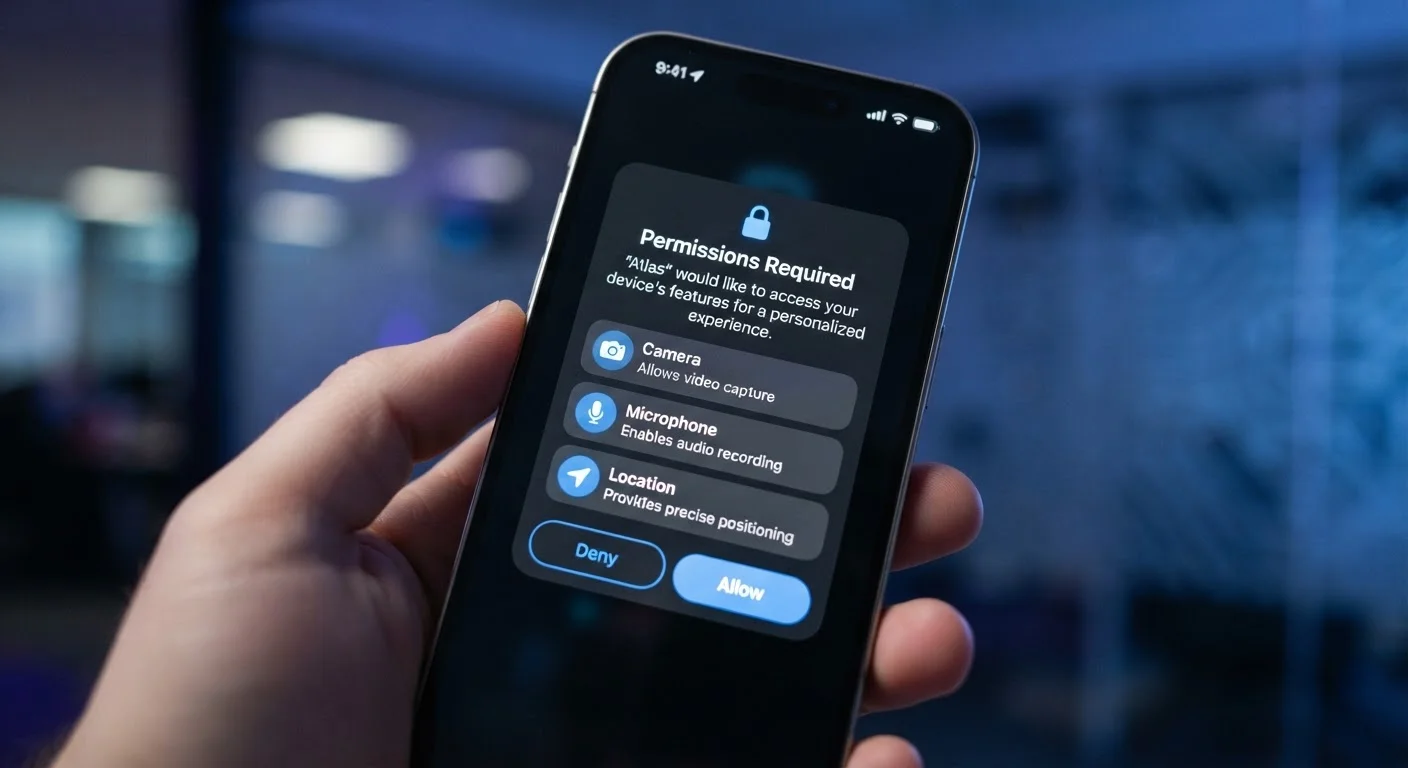
- Location: Lets the app know where you are, either continuously or only while you're actively using it. This is one of the most sensitive permissions because location history can reveal your home, workplace, medical appointments, and daily routines.
- Camera & Microphone: Grants the ability to take photos, record video, or capture audio. These are high-trust permissions — only apps with an obvious, specific need (video calls, document scanning) should have them.
- Contacts: Gives the app access to every name, phone number, and email address in your address book — including people who have never agreed to anything.
- Storage / Photos: Allows the app to read or write files on your device, including your entire photo library unless you restrict it to selected photos (an option available on newer iOS and Android versions).
- Notifications: Permits the app to send you alerts. Less sensitive in terms of data exposure, but a major factor in attention and battery drain.
For a broader look at how your devices handle privacy controls, see our guide on understanding your device's privacy settings.
45%
Apps requesting unnecessary permissions
Research from cybersecurity organizations has found that a substantial portion of mobile apps request permissions unrelated to their core functionality.
3 in 4
Users who grant permissions without reading
Studies on mobile user behavior consistently find that most people approve permission requests immediately without reviewing what access they're granting.
Top 3
Most over-requested permissions
Location, camera, and microphone are consistently the most frequently requested permissions beyond what app functions require, according to mobile app analysis reports.
How to Audit and Adjust Your Permissions Right Now
The good news: reviewing your app permissions takes about ten minutes and requires no technical expertise.
On iPhone (iOS): Open Settings → Privacy & Security. Each category (Location Services, Microphone, Camera, Contacts, etc.) lists every app that has ever requested that permission. Tap any app name to change its access level.
On Android: Open Settings → Privacy → Permission Manager. You'll see the same category-by-category view. You can also long-press any app icon, tap App Info, then Permissions to review that specific app's access.
As you go through the list, ask one question for each permission: Does this app genuinely need this to do what I use it for? If the answer isn't obviously yes, revoke it. The app will prompt you again if it turns out the feature you want actually requires it.
For a full privacy review that goes beyond permissions, our annual digital privacy audit checklist walks you through accounts, passwords, and settings in one sitting.
Set a Reminder to Review Permissions Seasonally
Apps update their permission requests over time, and your habits change too. Spending five minutes every few months in your phone's Permission Manager helps you catch new access requests you didn't knowingly approve and remove permissions from apps you rarely open anymore.
The Permissions You Should Almost Never Grant
Certain permission combinations are worth an extra pause. A game requesting microphone access, a coupon app wanting your precise location at all times, or a utility tool asking for your full contacts list — none of these have obvious justifications.
Two patterns are especially worth noting:
- "Always On" location access: Most apps that legitimately need location only need it while you're using them. Continuous background access lets an app build a detailed map of your movements around the clock. Reserve "Always" for navigation or fitness tracking apps you've deliberately set up to work in the background.
- Contacts + internet access: An app with both permissions can upload your entire address book to a remote server. This affects not just you, but everyone in your contacts.
Apps you no longer use but haven't deleted are a quiet risk — they may still hold permissions they received at install. Deleting unused apps is one of the simplest privacy improvements available to anyone. You can learn more about reclaiming device resources in our guide on what's taking up space on your phone.
For a wider look at data your devices and software routinely collect, see what your browser actually knows about you.