

Key Takeaways
- SMS-based 2FA is the most common but also the most vulnerable to interception and SIM-swapping attacks.
- Authenticator apps generate time-limited codes offline, offering stronger security than SMS without much added complexity.
- Hardware security keys provide the highest protection level but require carrying a physical device.
- Any form of 2FA is significantly better than relying on a password alone.
Our Verdict
For most everyday users, an authenticator app strikes the best balance between security and convenience. SMS codes are a reasonable starting point if no other option is available, while hardware keys suit those managing especially sensitive accounts. The right choice depends on your threat level and how much friction you can tolerate.
| Best for | Recommended |
|---|---|
| Everyday users wanting solid security with minimal hassle | Authenticator App |
| Those new to 2FA or with limited app access | SMS Codes |
| High-value accounts or users in sensitive roles | Hardware Security Key |
| Situations where your phone is unavailable | Backup Codes |
Why Two-Factor Authentication Matters
Two-factor authentication (2FA) adds a second verification step beyond your password when logging into an account. Even if someone steals your password, they still can't get in without that second factor. The concept is simple: combine something you know (your password) with something you have (a code or device).
Passwords alone are increasingly unreliable. Data breaches expose millions of credentials each year, and people often reuse passwords across sites. Enabling 2FA on your most important accounts — email, banking, social media — is one of the most impactful security steps you can take. But 2FA isn't a single thing; several distinct methods exist, and they differ meaningfully in both security and convenience.
Understanding those differences helps you make an informed choice rather than just accepting whichever option a site defaults to. Be aware that scammers sometimes try to trick users into revealing their 2FA codes — see how those tactics work in our piece on phishing, smishing, and vishing.
The Main 2FA Methods Side by Side
The four most widely available 2FA methods each have distinct trade-offs. Here's how they compare across the criteria that matter most to everyday users.
| SMS Codes | Authenticator App | Hardware Key | Backup Codes | |
|---|---|---|---|---|
| Security level | Low–moderate | Moderate–high | Very high | Moderate (one-time use) |
| Ease of setup | Very easy | Easy | Moderate | Automatic with 2FA setup |
| Works without internet | No (needs cellular) | Yes | Yes | Yes |
| Phishing resistant | No | Partially | Yes | No |
| SIM-swap vulnerable | Yes | No | No | No |
| Extra hardware needed | No | No | Yes | No |
| Typical cost | Free | Free | Modest one-time cost | Free |
Use this breakdown as a starting point. Your final choice may depend on what a specific service supports, since not every site offers every method.
SMS Codes: Familiar but Fragile
When you log in and a six-digit code arrives by text message, that's SMS-based 2FA. It's the most widely deployed method because virtually everyone has a phone number, and it requires no additional app or device.
The catch is that SMS has known vulnerabilities. SIM swapping — where an attacker convinces your carrier to transfer your number to their SIM card — can redirect your codes to them entirely. SMS messages can also be intercepted through certain network-level attacks, though these require more sophistication. Additionally, if you're targeted by a phishing site, you might be socially engineered into typing your SMS code directly into a fake login page.
Watch Out for SMS Code Phishing
Attackers sometimes call or text pretending to be customer support, then ask you to read your 2FA code aloud or enter it on a page they control. Legitimate companies will never ask for your authentication code. If anyone requests it unexpectedly, treat it as a red flag and hang up or close the page.
That said, SMS 2FA is still vastly better than no 2FA at all. If it's the only option a service offers, use it.
Authenticator Apps: The Practical Upgrade
Authenticator apps — a category of software that generates rotating six-digit codes — work differently from SMS. The codes are generated entirely on your device using a shared secret set up during account enrollment. No text message is ever sent, which eliminates the SIM-swapping and SMS interception risks.
Each code is time-based and expires after about 30 seconds (TOTP is the technical standard). Because the codes are created offline, they work even without a cellular signal. Setup takes a minute or two per account — typically by scanning a QR code — and the app then lives on your phone alongside everything else.
Back Up Your Authenticator Before Switching Phones
Before getting a new device, check whether your authenticator app supports encrypted cloud backup or account export. Transfer your authenticator data first, then confirm each account still works before wiping the old phone. This prevents being locked out during the transition.
The main risk is losing access to the app itself. If you get a new phone without transferring your authenticator data, or if your phone is lost or stolen, account recovery can be complicated. Always save the backup codes a service provides when you set up 2FA.
Hardware Security Keys: Maximum Protection
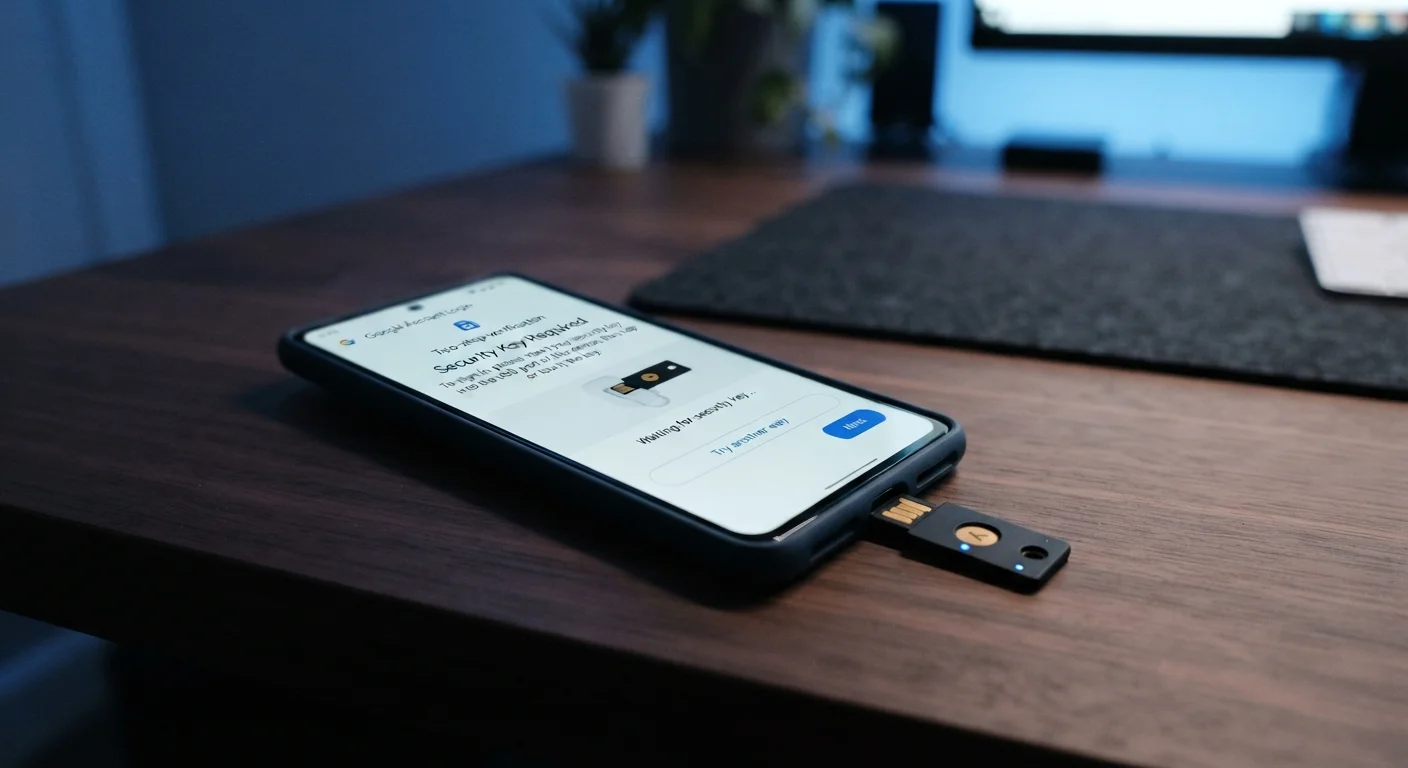
A hardware security key is a small physical device — often resembling a USB drive — that you plug in or tap against your phone (via NFC) to authenticate. Unlike codes, keys use public-key cryptography: they prove your identity to the website without transmitting a secret that could be captured.
Hardware keys are highly resistant to phishing because the key verifies it's communicating with the correct website before responding. Even if you're tricked into visiting a lookalike site, the key won't authenticate. This makes them the strongest 2FA option available to consumers.
The trade-offs are cost (keys are a modest but nonzero expense), the need to carry an extra item, and the fact that fewer services support them compared to TOTP apps. They're particularly well-suited for securing administrative accounts, financial accounts, or anyone who manages sensitive information professionally.
Backup Codes and Email-Based Verification
Backup codes are single-use codes generated when you first set up 2FA. They're intended as a recovery mechanism — not a primary method — for situations where your phone is unavailable. Store them somewhere secure (printed out, or in a password manager) and treat each one like a spare key: use it once and it's gone.
Email-based verification sends a login link or code to your email address. Its security depends entirely on how well-protected your email account is. If your email uses a strong password and its own 2FA, this can be adequate. If not, it creates a weak link in the chain.
Neither backup codes nor email verification should be your default 2FA method, but understanding them ensures you're never completely locked out of an account.