

Key Takeaways
- Software updates contain three main types of changes: security patches, bug fixes, and new features.
- Security patches are the most time-sensitive — unpatched vulnerabilities are a primary entry point for attackers.
- Bug fixes resolve glitches that cause crashes, battery drain, or connectivity problems already on your device.
- New features can change how your device looks and behaves, sometimes significantly.
- Skipping updates leaves known security holes open, even when the fix already exists.
Software Update
A software update is a package of code changes that your device's manufacturer or developer sends to improve your device after it leaves the factory. Updates can fix security vulnerabilities, correct bugs causing crashes or errors, and add new features — sometimes all at once. Your phone, tablet, computer, smart TV, and even your router all receive them.
Updates are distributed as signed packages verified by the operating system to prevent tampering. Major version changes (e.g., iOS 16 to iOS 17) are called upgrades, while smaller point releases (e.g., 16.5 to 16.6) typically focus on fixes.
The Three Types of Changes Hidden in Every Update
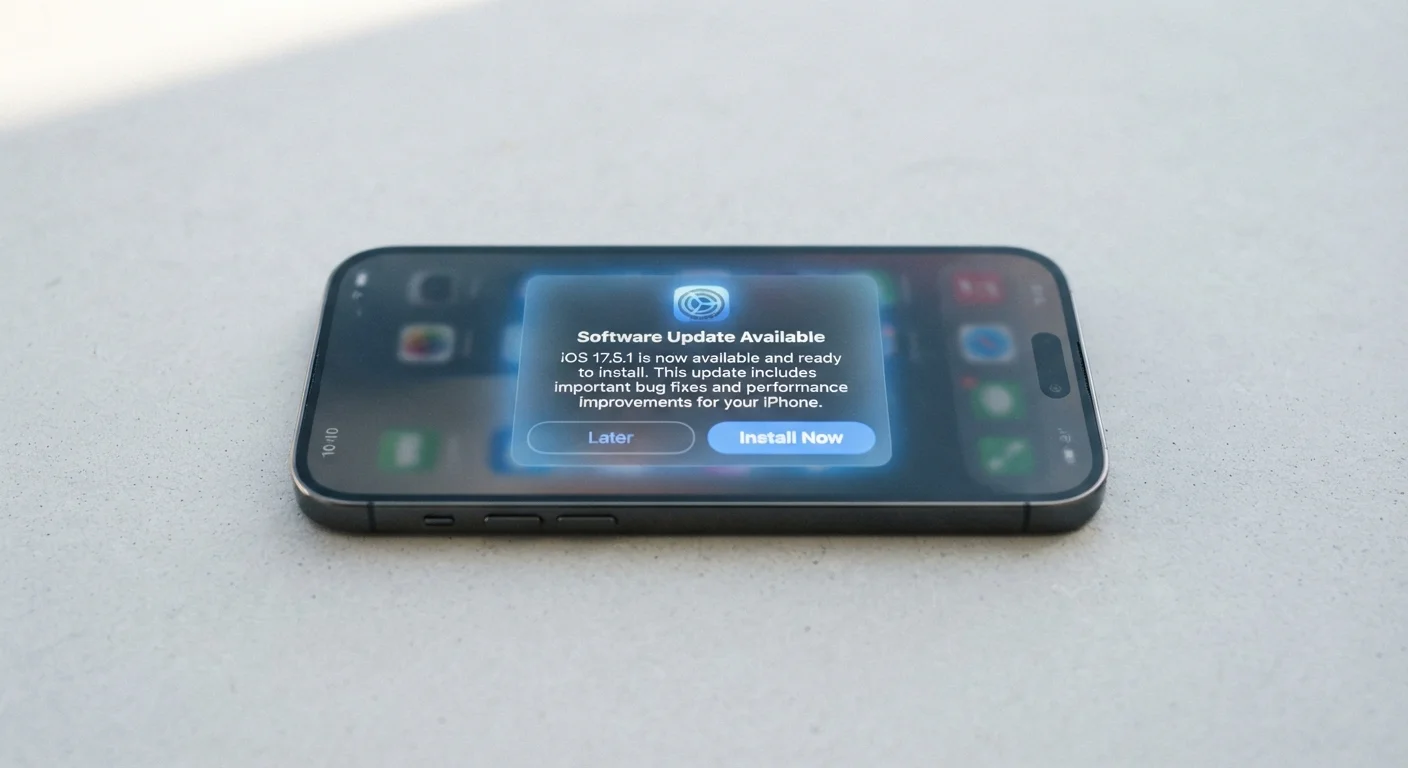
When a device prompts you to update, it rarely explains what's actually changing. That vagueness leads many people to hit "Remind Me Later" indefinitely. Understanding what's inside an update makes the decision clearer.
Security patches close known vulnerabilities — weaknesses in the software's code that attackers can exploit to access your data, install malicious software, or take control of the device. These are discovered continuously by security researchers and, sometimes, by criminals first. Once a vulnerability is publicly known, the window between disclosure and exploitation can be very short.
Bug fixes address problems that affect everyday performance. An update might stop your camera app from crashing, fix Bluetooth pairing that keeps dropping, or resolve battery drain caused by a runaway background process. These aren't theoretical improvements — they solve friction you may already be experiencing.
Feature additions are the changes most people notice: a redesigned settings menu, a new accessibility option, or an improved keyboard. These vary widely by update and are the least urgent from a safety standpoint, but they're often what the headline coverage focuses on.
App Updates Are Separate from OS Updates
Operating system updates (iOS, Android, Windows, macOS) and individual app updates are managed separately. Both matter. Your OS update might patch the phone's core software while a banking app update fixes a security issue specific to that app. Enable automatic updates in both your OS settings and your app store to cover both layers.
Why Security Patches Are the Most Urgent
Manufacturers and researchers maintain lists of known software vulnerabilities. When a patch is released, that list becomes public — meaning anyone who hasn't updated is now running software with a documented, open hole. Attackers actively scan for unpatched devices because the work of finding the vulnerability has already been done for them.
57%
Of breaches exploit known, patchable vulnerabilities
According to analysis cited in the Verizon Data Breach Investigations Report, a majority of successful breaches involve vulnerabilities for which a patch was already available.
~30 days
Typical window before known exploits are widely deployed
Security researchers have observed that once a vulnerability is publicly disclosed, active exploitation often begins within weeks, underscoring the urgency of timely patching.
This is especially true for operating system updates on phones and computers. A single unpatched vulnerability in a browser or email client can be enough to compromise a device without the user doing anything obviously wrong — just visiting a webpage or previewing an email.
For device privacy more broadly, keeping software current is foundational. Privacy settings mean very little if the underlying software has exploitable gaps.
What Happens When You Skip Updates
Delaying updates has real consequences, and they compound over time. Each skipped update typically means the next one bundles more changes — making the eventual update larger and occasionally more disruptive. More importantly, every week an update goes uninstalled is a week your device runs with known vulnerabilities.
Older devices that no longer receive updates face the starkest version of this problem. When a manufacturer stops supporting a device, security patches stop too. The device doesn't suddenly break, but it becomes progressively riskier to use for sensitive tasks like banking or email.
Schedule Updates for Overnight
Most smartphones and computers let you set a window for automatic updates — typically between midnight and 5 a.m. This way, your device updates while you sleep and is ready by morning. Check your device's Software Update or Windows Update settings to configure this. It's the single easiest habit change for staying protected.
Smart home devices are particularly overlooked. Routers, smart speakers, and connected cameras all run software that needs updating. Many people set these up once and never revisit the settings. If you're exploring which connected devices are worth adding, factor ongoing update support into the decision.
How to Handle Updates Without Disruption
The most practical approach for most people is to enable automatic updates for your operating system and core apps. This removes the decision entirely and ensures security patches apply quickly. Most devices allow you to schedule updates overnight so they don't interrupt your day.
Before installing a large update, a few simple precautions help: ensure the device is plugged in or has sufficient battery, and confirm your data is backed up. Major operating system upgrades are rare opportunities for things to go wrong, and a recent backup is a reliable safety net.
For updates that change the interface noticeably, give yourself a day or two to adjust before judging. Most feature changes are reversible in settings, and manufacturers typically publish release notes — usually accessible through the device's settings menu — that describe exactly what changed and why.