

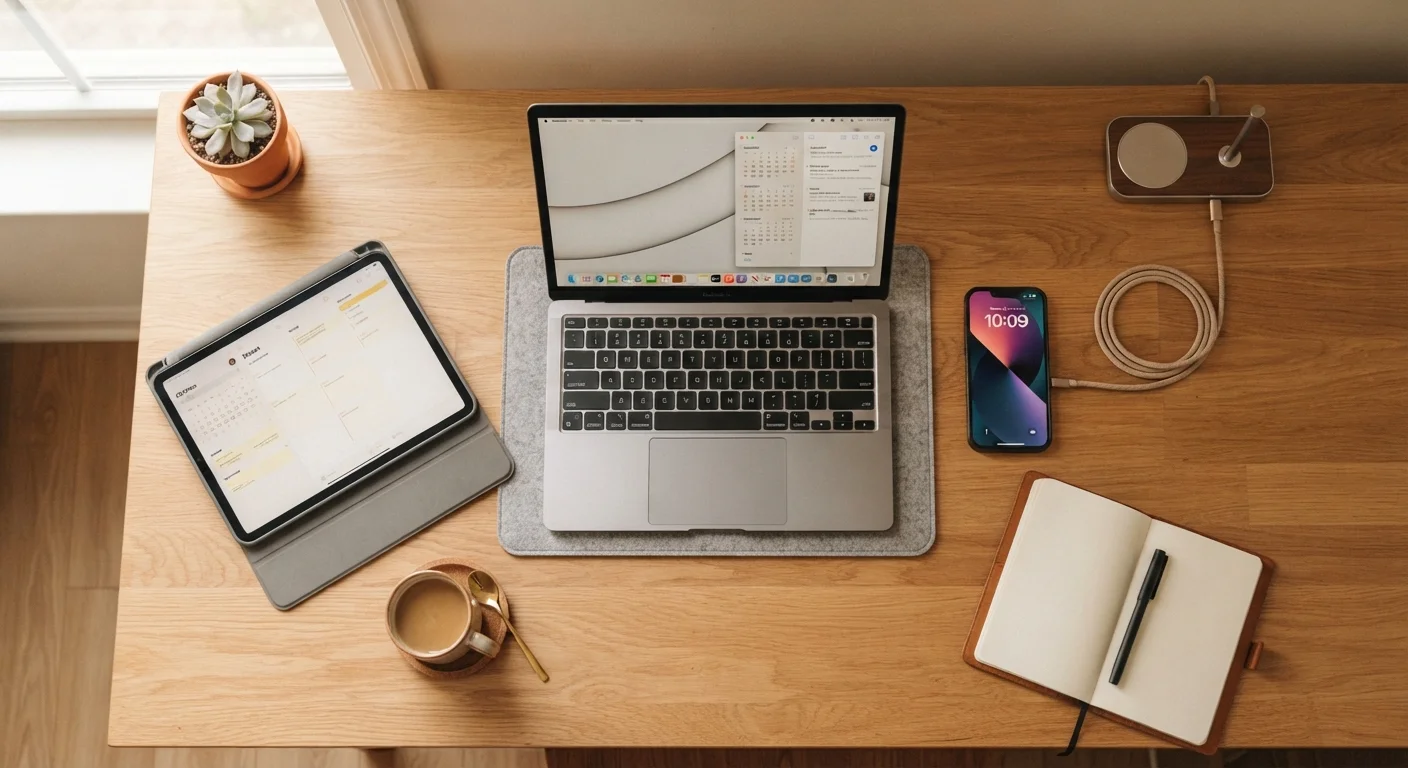
Key Takeaways
- Keeping battery charge between 20% and 80% significantly extends long-term battery health.
- Heat is the single biggest environmental threat to electronics — avoid leaving devices in hot cars or direct sunlight.
- Regular software updates and storage management keep devices running smoothly for longer.
- A protective case and screen protector can meaningfully reduce the risk of costly physical damage.
- Restarting your devices periodically clears memory and prevents sluggish performance from building up.
Why Device Longevity Is Worth Your Attention
The average smartphone costs several hundred dollars, and laptops often cost considerably more. Yet many people replace their devices every two to three years — not because the hardware has failed outright, but because it has slowed down, the battery no longer holds a charge, or the screen is cracked. Most of those outcomes are preventable.
Extending the useful life of a device by even one or two years saves money and reduces the volume of electronic waste that ends up in landfills. The habits that accomplish this aren't complicated — they require only a small shift in how you treat technology day to day. Think of it the way you would maintaining any durable item you rely on. Just as routine upkeep keeps a car road-ready (see our guide to keeping high-mileage vehicles reliable), small consistent habits keep your devices performing well beyond their warranty period.
Battery Habits That Actually Make a Difference
Battery degradation is the most common reason a device feels old before its time. Lithium-ion batteries — the type used in virtually all modern phones, tablets, and laptops — wear out gradually with each charge cycle, but how you charge has a meaningful effect on how quickly that wear accumulates.
Keep your battery charge between 20% and 80% whenever practical.
Lithium-ion batteries experience the most stress at the extreme ends of the charge range — consistently draining to 0% or charging to 100% accelerates chemical wear. Staying within the middle range can noticeably extend the number of healthy charge cycles a battery completes over its lifetime.
Avoid exposing devices to high heat, especially during charging.
Heat accelerates the chemical reactions inside a battery and degrades other internal components over time. Charging generates some heat on its own, so combining it with a hot environment — like a sunny windowsill or a car in summer — compounds the damage significantly.
Install software updates promptly and consistently.
Updates patch security vulnerabilities, fix bugs that cause sluggish behavior, and often include optimizations that improve efficiency. Devices running outdated software are both more exposed to security risks and more likely to perform poorly as apps evolve to expect newer system features.
Restart your devices at least once a week.
Modern devices are designed to run continuously, but background processes, cached data, and minor software errors accumulate over time. A full restart clears working memory and gives the operating system a clean slate, which often resolves sluggishness that builds gradually and goes unnoticed.
Use a quality protective case and screen protector from day one.
Screen repairs are among the most common and expensive device repairs. A tempered glass screen protector absorbs minor impacts and scratches that would otherwise damage the display directly, and a fitted case distributes the force of drops before it reaches internal components.
For a deeper look at what genuinely shortens laptop battery lifespan versus what's harmless myth, see Laptop Battery Life: What Actually Drains It and What Doesn't.
Physical Care and Environmental Factors
Electronics are sensitive to the environments they live in. Heat is the most damaging factor — leaving a phone on a sunny car dashboard or a laptop near a heating vent shortens component life measurably. Moisture, dust, and physical impact are the other major culprits.
Store Devices Away From Temperature Extremes
If you're not using a device for an extended period — say, a spare tablet or an older phone kept as a backup — store it somewhere cool, dry, and out of direct sunlight. Leaving electronics in a hot car, garage, or near a radiator causes cumulative damage even when the device is powered off. A charge level around 50% is generally recommended for long-term storage of lithium-ion batteries.
A well-fitted case and a tempered glass screen protector are among the most cost-effective investments you can make for a device. Drops are inevitable; the case absorbs impact energy before it reaches the screen or internal components. When it comes to planning for the lifespan of the things you own, the same principle applies across your home — our article on home system lifespans illustrates how proactive care delays expensive replacements.
~2 years
Average US smartphone replacement cycle
Consumer research consistently finds that most Americans replace their smartphones roughly every two years, often due to performance decline rather than outright failure.
20%–30%
Battery capacity lost from heat exposure
Battery researchers have found that sustained exposure to high temperatures can reduce a lithium-ion battery's long-term capacity by a significant margin compared to batteries kept at moderate temperatures.
Software, Storage, and Routine Maintenance
Physical condition matters, but software health is equally important for keeping a device feeling fast and reliable. A phone or laptop running on a cluttered, outdated software environment will slow down regardless of how carefully you've treated the hardware.
Storage management is closely tied to performance. When a device's storage is nearly full, it struggles to create the temporary files it needs to operate efficiently. If your phone regularly shows a storage warning, our guide on what's taking up space on your smartphone can help you make sense of the breakdown and free up room without losing anything important.
If you're eventually passing your device on to someone else, good maintenance habits make the handoff smoother too. Our pre-transfer checklist walks through what to do before handing over or selling an old phone, tablet, or laptop.